v1.0 — Windows + Android

Your PC.
Anywhere.

Full remote control of your Windows PC from your phone. Screen streaming, terminal, media, mouse & keyboard — all in one app.

Real screenshots from the app
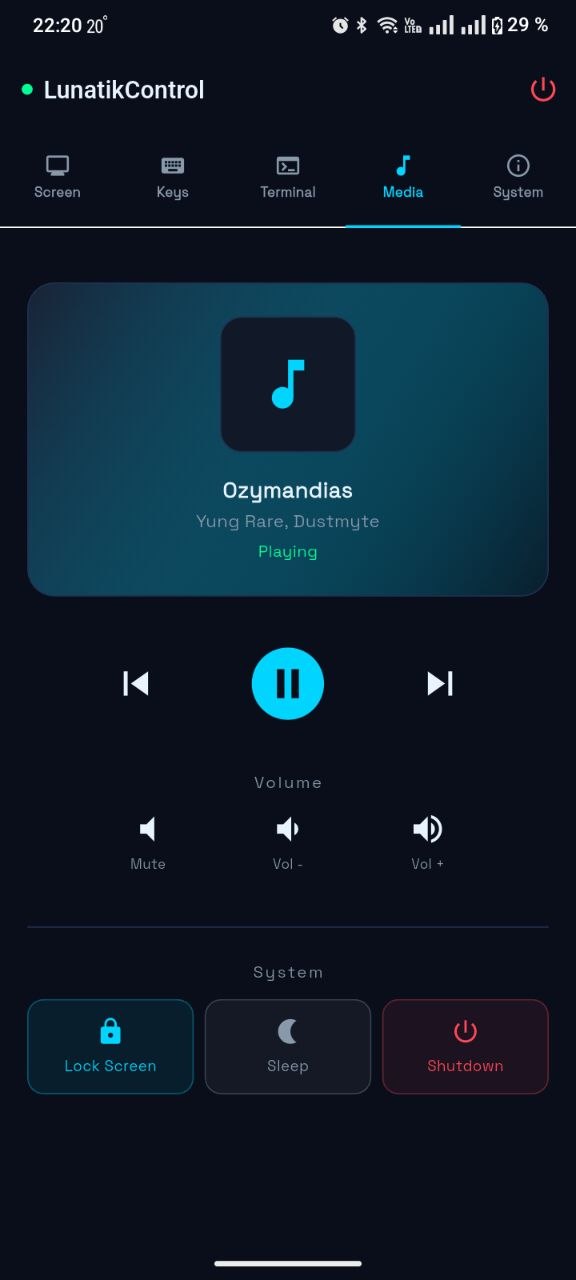
Media Control
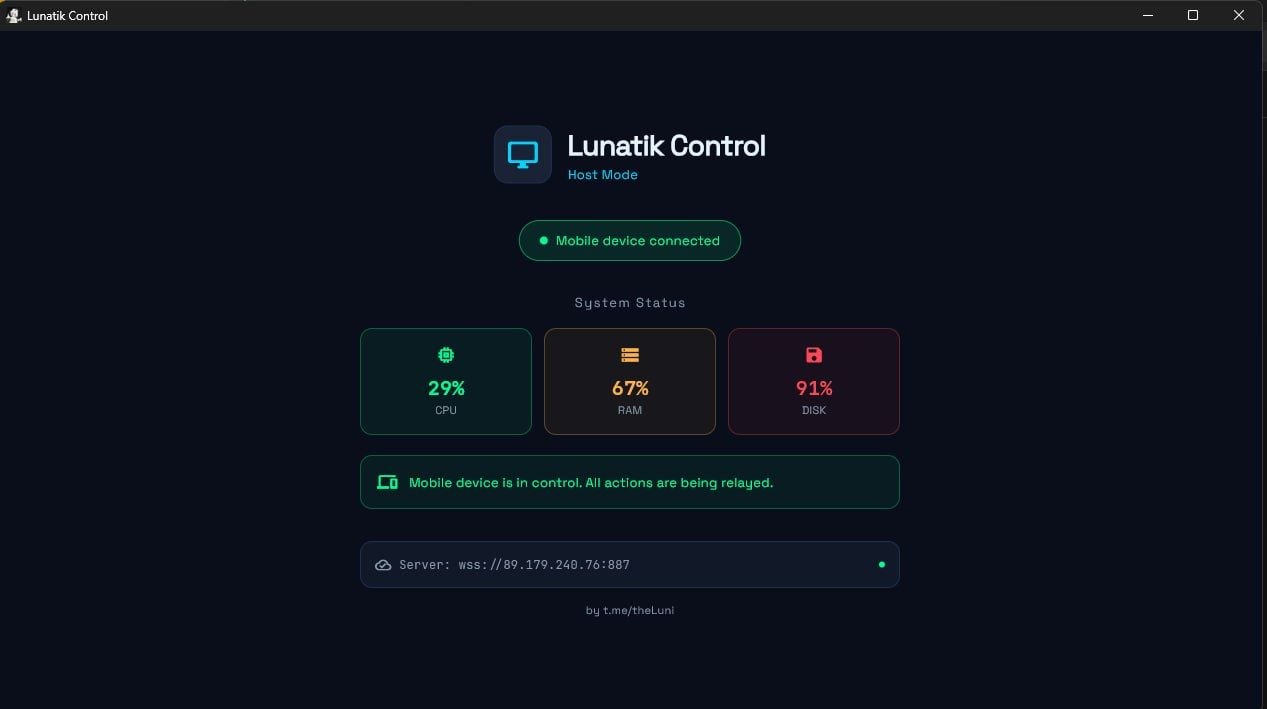
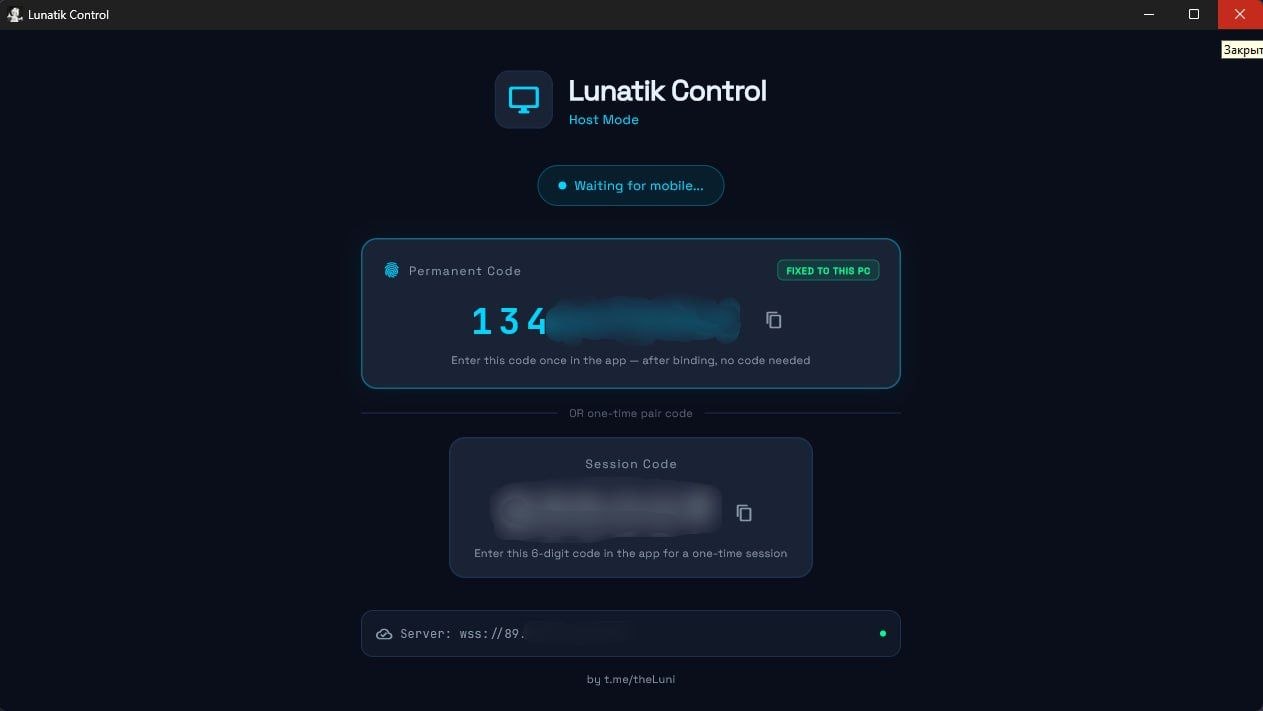
Windows Host
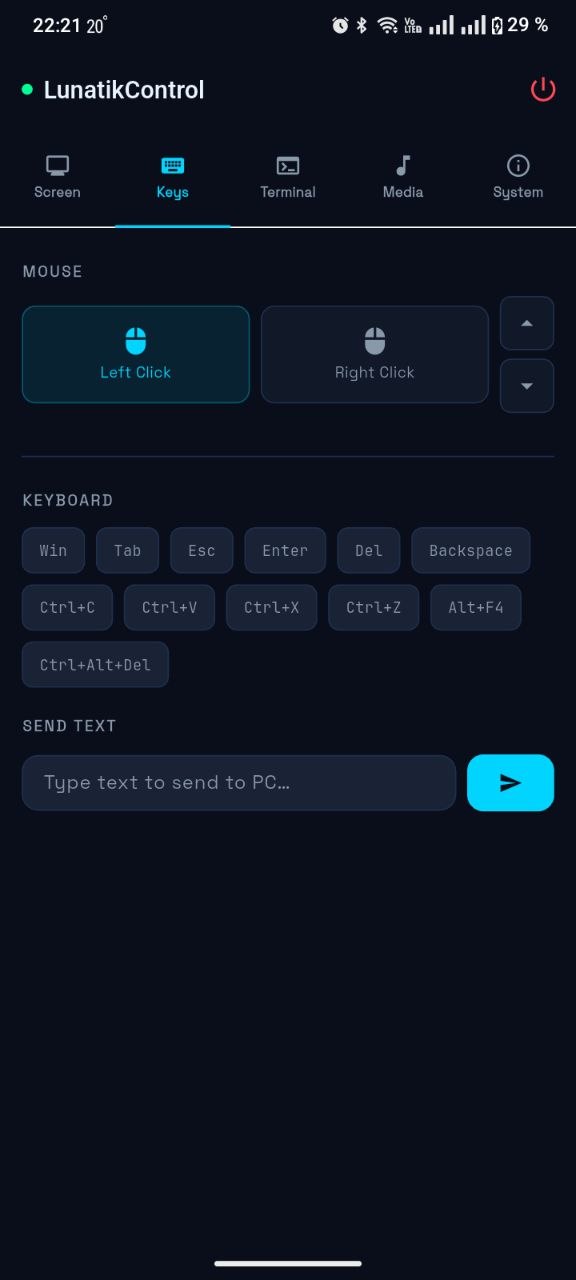
Keyboard Control
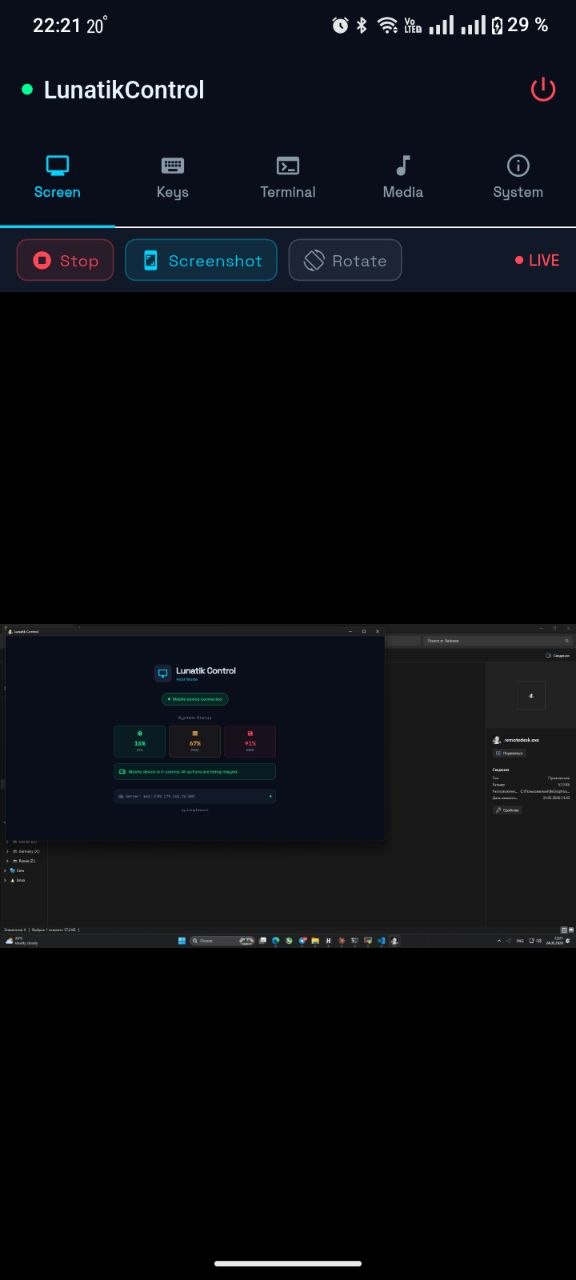
Screen Stream
Connected State
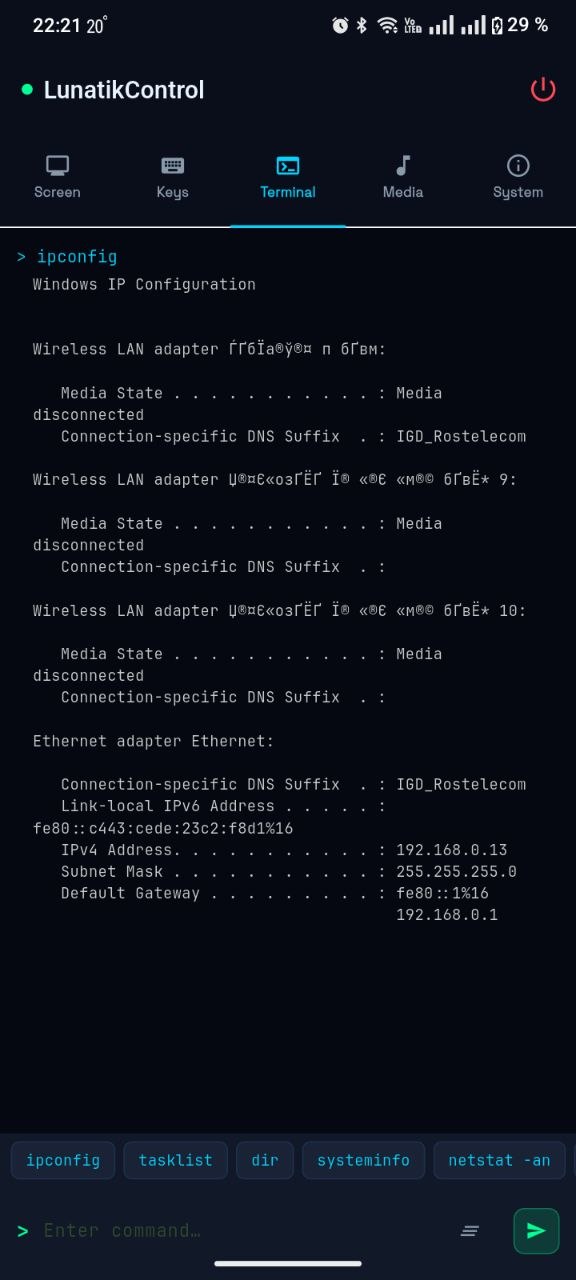
Terminal
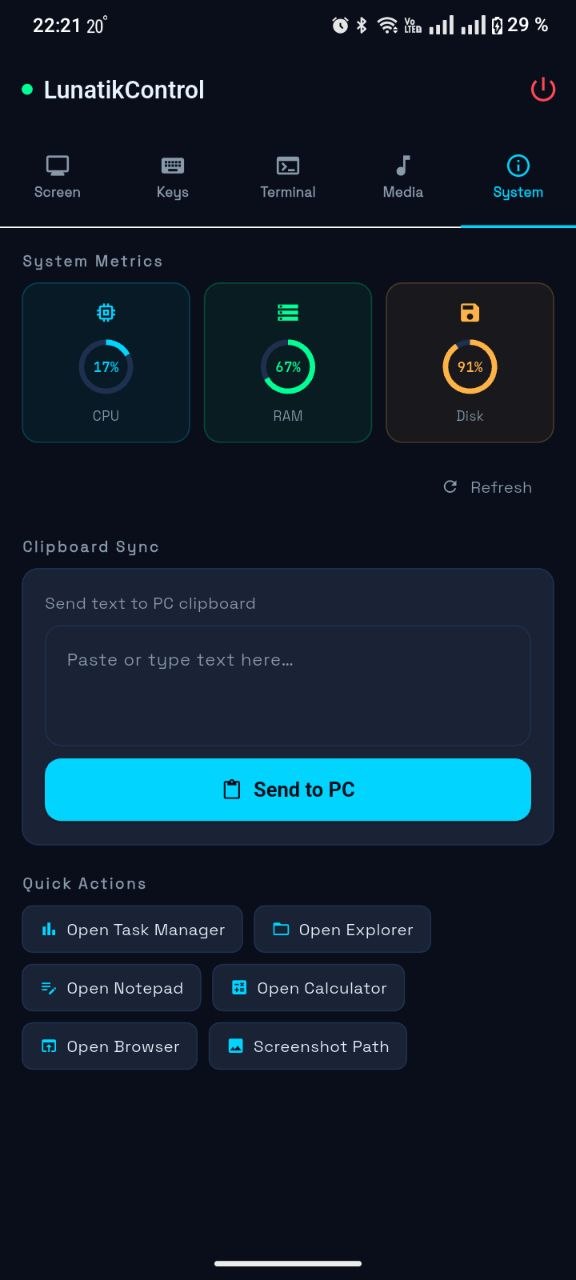
System Info
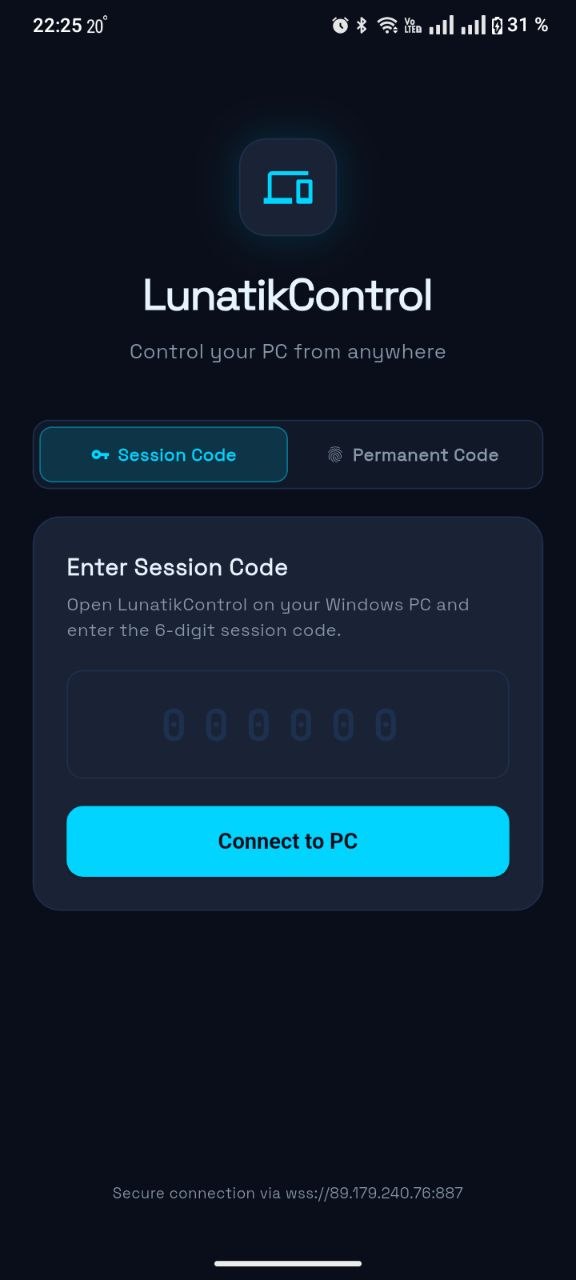
Home Screen
Media Control
Windows Host
Keys
Screen
Connected
Terminal
System

Everything you need.
Nothing you don't.

📺
Live Screen Stream
Real-time screen capture streamed directly to your phone. See exactly what's happening on your PC.
🖱
Mouse & Keyboard
Full touchpad control, click, scroll, and a complete keyboard with hotkeys like Ctrl+C, Win, Alt+F4.
💻
Terminal Access
Run any Windows command remotely. Full cmd output with UTF-8 support and Cyrillic encoding.
🎵
Media Control
See the current track, play/pause, next/prev, and volume — works with Spotify, YouTube, anything.
📊
System Monitor
Live CPU, RAM, and Disk usage. Quick actions: open Task Manager, Explorer, lock screen, shutdown.
🔐
Secure Connection
Encrypted WSS connection via a private relay server. 6-digit session codes or permanent device binding.

Up and running
in 3 steps.

01
Install on Windows
Download and run the installer on your PC. LunatikControl starts automatically and connects to the relay server. A unique pair code appears on screen.
02
Install on Android
Install the APK on your phone. Open the app, enter the 6-digit session code shown on your PC, and you're connected instantly.
03
Bind for permanent access
Use the 10-digit permanent code for one-click reconnects — no code needed next time. Perfect for daily use from your own phone.

// technical

What's under the hood.

Windows PC (Host)
  • Windows 10 / 11 (64-bit)
  • ~20MB installed size
  • No admin rights required
  • Auto-starts with Windows (optional)
  • PowerShell-based system integration
Android (Remote)
  • Android 7.0+ (Nougat)
  • ~15MB APK size
  • Works on any network (WiFi / 4G / 5G)
  • Background reconnect support
  • Portrait & landscape support
Connection
  • WebSocket over TLS (WSS)
  • Private relay server (VPS)
  • AES-256 encrypted transport
  • Auto-reconnect with backoff
  • Ping keepalive every 20s
Features
  • Screen streaming (30fps target)
  • Full mouse & keyboard emulation
  • WinRT Media API integration
  • WMI system metrics
  • Clipboard sync PC ↔ Phone
Get LunatikControl
Enter your access key to download. No account, no subscription — just the key.
⚠ Invalid access key
Windows installer (.exe) · ~35MB · Also includes Android APK link